Technical writing software that treats code as code
Most rich-text editors were built for prose and then had code bolted on. This one treats a code block as a first-class thing, because a technical article that mangles its snippets has failed at the only job it had.
What is technical writing software?
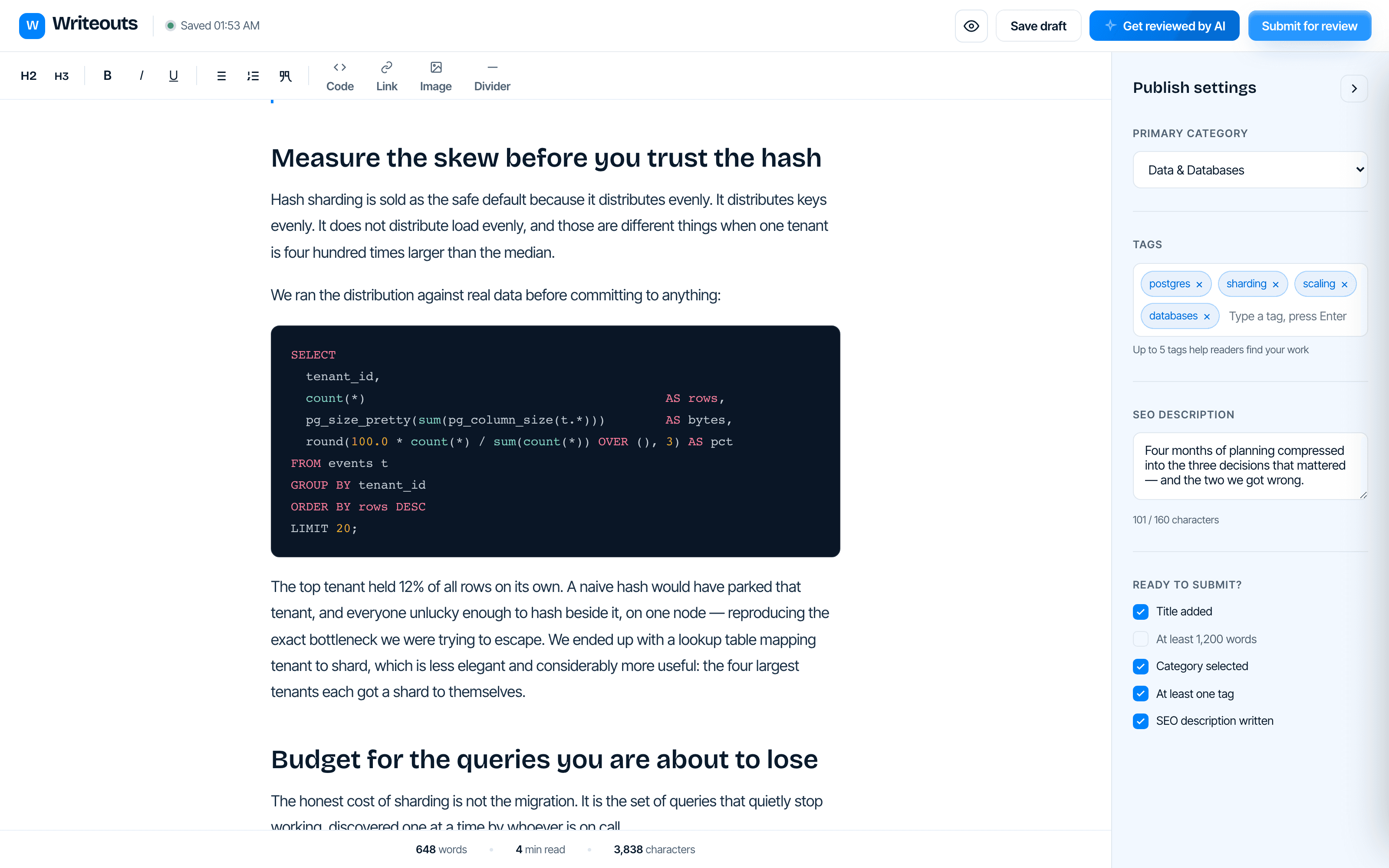
Writeouts is browser-based technical writing software with syntax-highlighted code blocks in 18 languages, autosave, drag-and-drop images and a live submission checklist. Code blocks render identically in the editor, the preview and the published article, from one stored document.
At a glance
- Code languages
- 18, including Python, TypeScript, Go, Rust, SQL and Bash
- Format
- Rich text; no Markdown required
- Saving
- Autosave, with the last saved time in the toolbar
- Images
- Drag-and-drop upload or paste a link
- Checklist
- Category, tags, SEO description and word count, tracked live
Which programming languages are supported?
Pick a language and paste. The block renders labelled, syntax-highlighted and scrollable — in the editor, in the preview and on the published page, from the same stored document. No markdown fights, no losing indentation to a paste.
How do I know a draft is ready to submit?
Category, tags, SEO description and word count are tracked live in the publish panel. You can see whether the draft is submittable before you send it, rather than finding out days later from an editor who had to write the email.
Are drafts saved automatically?
Work autosaves as you write, with the last saved time in the toolbar. Reopen on another machine and the draft is where you left it, code blocks and headings intact.
How do I add images to an article?
Drag an image in or paste a link. Uploads go straight to storage and are referenced in the document, so an article moves between preview and publication without a broken asset.
Common questions
Do I have to write in Markdown?
No. The editor is rich text with keyboard shortcuts, and code blocks are inserted as blocks rather than fenced with backticks. If you prefer to draft elsewhere, you can paste in and the structure is preserved.
Which languages are syntax-highlighted?
Bash, C, C++, C#, CSS, Go, Java, JavaScript, JSON, Lua, PHP, Python, Ruby, Rust, SQL, TypeScript, XML and YAML.
Can I write somewhere else and submit a finished piece?
Yes. There is a submission path for work drafted in Google Docs, Notion or a repo, and it lands in the same review queue as anything written in the editor.
Last updated